
Kindle-ready output · No signup · Free
Convert PDF to EPUB for Kindle and E-Readers
A client wanted to read a 280-page field guide PDF on a Kindle Paperwhite during travel — the EPUB version reflowed text correctly at every font size and the chapter navigation worked through the table of contents. PDF files are terrible for reading on e-readers and phones. The text stays tiny and you have to zoom in constantly just to read a sentence. EPUB files fix this problem completely by letting text flow naturally on any screen size.
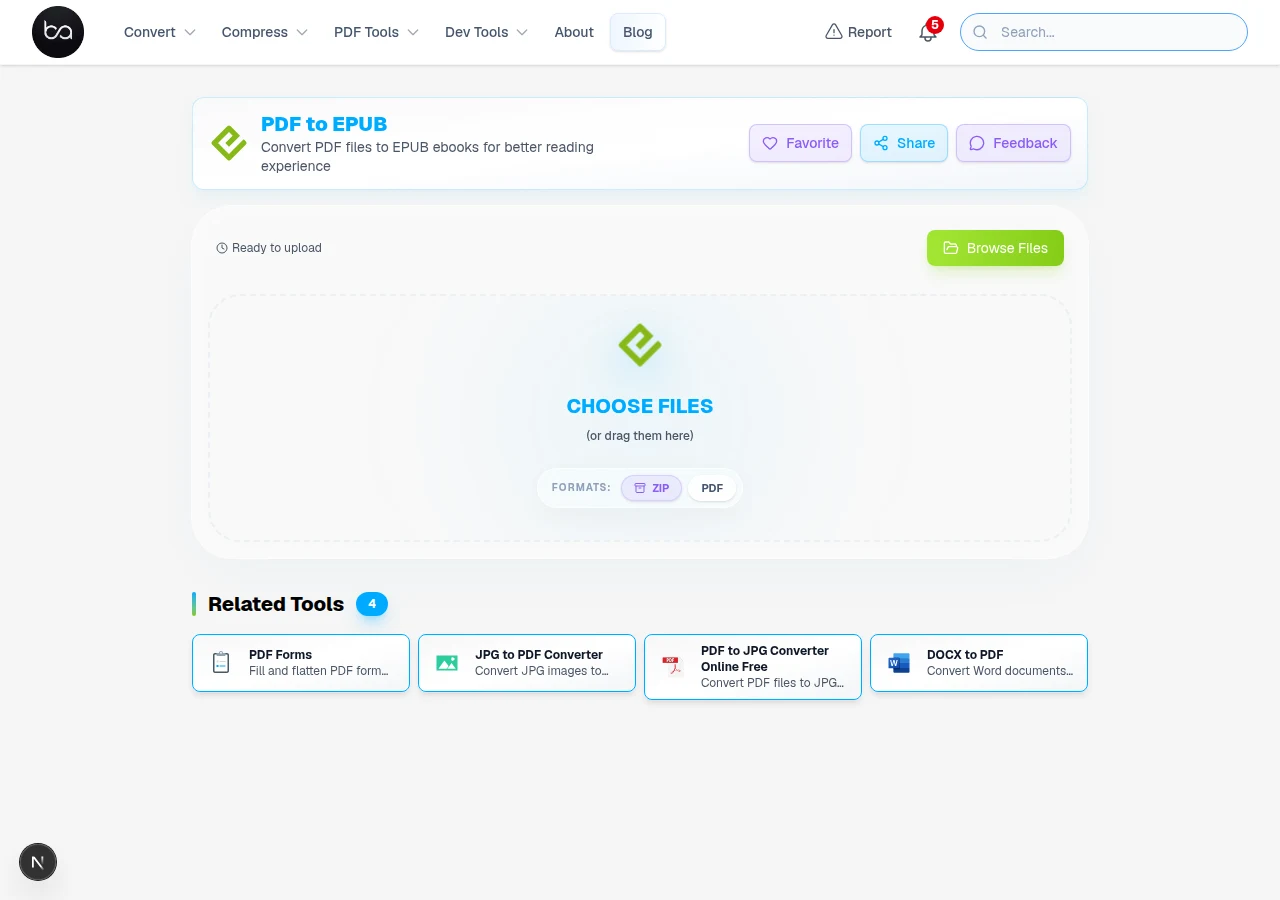
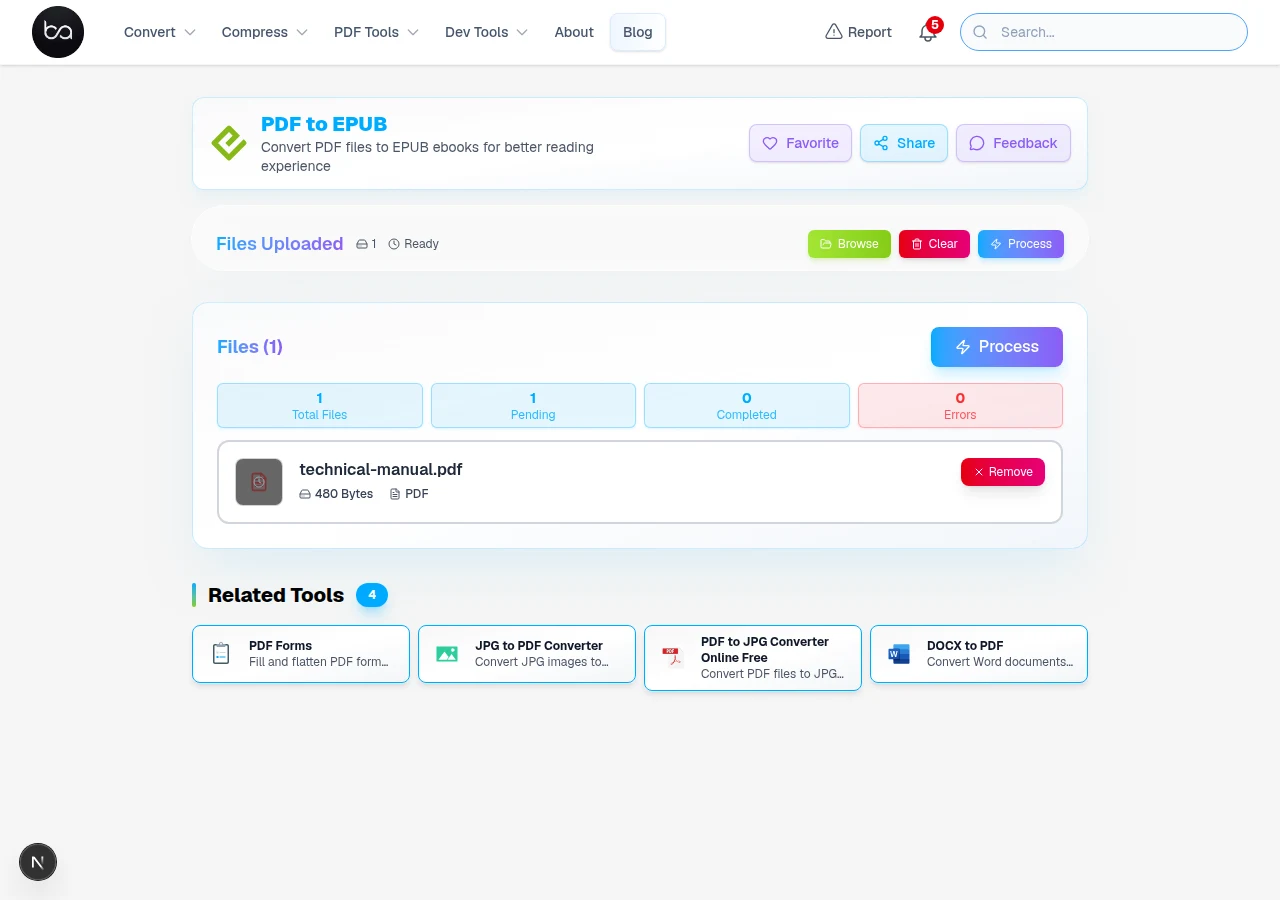
I converted a 300-page technical manual to EPUB to read on a Kindle during a long flight. The PDF required constant pinch-zooming and was unreadable at default font size. The EPUB reflowed cleanly and I read the whole thing at 14pt without ever zooming.
Why PDF Files Fail on E-Readers
PDF files were designed for printing on paper. To go the other way, use our EPUB to PDF converter for printing and sharing. They lock everything in place - text, images, and spacing cannot change.
This creates serious problems when you try to read them on small screens. The text becomes microscopic and you spend more time zooming than actually reading.
Here are the specific issues people face with PDFs on e-readers:
Common PDF Reading Problems
- Text too small to read without constant zooming
- Fixed layout that cuts off words on narrow screens
- Cannot adjust font size or line spacing
- Poor navigation between chapters and sections
- Faster battery drain from screen manipulation
- Eye strain from reading tiny text
Reading research consistently shows that reflowing text on small screens reduces eye strain and makes reading faster compared to constant pinch-zooming through fixed-layout documents. If you've tried to read a technical PDF on a phone, you already know this from experience.
Academic papers and technical documents suffer the most. Margins designed for 8.5x11 inch paper become unusable on a 6-inch Kindle screen.
How EPUB Format Solves Reading Problems
Need to edit first?
Clean up your PDF content before converting — use the PDF editor to fix text, remove pages, or add annotations.
Edit PDF →EPUB stands for Electronic Publication. It was specifically designed for digital reading devices like Kindle, iPad, and smartphones.
The key difference is that EPUB files contain flowing text instead of fixed layouts. The text automatically adjusts to fit your screen perfectly.
When you convert PDF to EPUB, you get these immediate benefits:
EPUB Format Advantages
- Text scales to any screen size automatically
- Adjustable font size, style, and line spacing
- Better chapter navigation and bookmarks
- Night mode and reading customization options
- Faster page turning and smoother scrolling
- Sync reading progress across multiple devices
Step-by-Step PDF to EPUB Conversion Process
Converting your PDF to EPUB takes just a few clicks, but understanding the process helps you get better results. The conversion tool uses advanced text recognition and formatting algorithms.
How the Conversion Works
- Upload your PDF file from your computer, cloud storage, or by dragging it into the browser
- The tool scans every page and identifies text, images, headings, and formatting
- Smart algorithms separate content from fixed positioning and recreate it as flowing text
- Images get optimized and resized for different screen sizes
- Chapter structure and navigation get rebuilt for e-reader compatibility
- Download your new EPUB file ready for any reading device
The conversion process includes smart text unwrapping. Many PDFs have artificial line breaks in the middle of sentences because they were designed for specific page widths.
Advanced Processing Features
For scanned PDFs or image-based documents, optical character recognition (OCR) extracts text from the images. This works well for clear, printed text but may need manual cleanup for handwritten or low-quality scans.
Large files may take up to 5 minutes to process completely. The tool uses a timeout system to handle complex documents with many images or unusual formatting.
Optimizing EPUB Files for Different Devices
Different e-readers and apps handle EPUB files slightly differently. Understanding these differences helps you get the best reading experience on your specific device.
Device Compatibility
Kindle devices support EPUB files directly now, but older Kindles may need conversion to MOBI format. Amazon's Send to Kindle feature automatically handles this conversion for you.
iPad and iPhone users can read EPUB files in Apple Books, Kindle app, or other reading apps. Apple Books provides the best formatting and feature support for EPUB files on iOS devices.
Android devices have many EPUB reading options including Google Play Books, Moon+ Reader, and FBReader. Each app has different customization options for fonts, spacing, and themes.
File Optimization Features
The converted EPUB files include metadata like title, author, and publication date. This information appears properly in your reading app's library and helps organize your digital books.
Images in the EPUB file automatically scale for different screen sizes. High-resolution displays show crisp images while smaller screens get optimized versions that load faster.
When PDF-to-EPUB Is Worth It
Need to extract specific chapters?
Pull out specific page ranges from your PDF before converting to EPUB so each section stays focused.
Different types of documents benefit from PDF to EPUB conversion in specific ways. Understanding these use cases helps you know when conversion makes the most sense.
Document Types That Convert Well
Academic research papers become much more readable on tablets and e-readers. Once the text reflows properly, students can read at a comfortable font size without zooming — especially helpful for long papers read on a phone or small Kindle.
Business reports and white papers work well as EPUB files for executive reading. Decision makers can quickly scan content on phones during commutes or travel.
Fiction books originally published as PDFs convert excellently to EPUB. Self-published authors often start with PDF but need EPUB for wider distribution to e-bookstores.
Conversion Best Practices
- Start with the highest quality PDF available - avoid compressed or low-resolution versions
- Check that your PDF has selectable text rather than scanned images when possible
- Remove unnecessary pages like blank sheets or advertising before conversion
- Test the EPUB file in your preferred reading app before sharing or publishing
- Keep a backup of the original PDF in case you need to reconvert with different settings
Privacy, Security, and File Management
When converting sensitive documents, understanding how the conversion tool handles your files is important for security and privacy compliance.
Security Features
All uploaded files get automatically deleted from servers after conversion completes. No permanent copies are stored, which protects confidential business documents and personal information.
The conversion happens through secure encrypted connections (HTTPS). Your files are protected during upload, processing, and download just like online banking transactions.
Password-protected PDFs maintain their security during conversion. You enter the password once during upload, and the resulting EPUB file can be protected with DRM if needed for distribution.
Frequently Asked Questions
Can I convert password-protected PDF files to EPUB?
Yes. Enter the password during upload and conversion runs normally. The output EPUB will not be password-protected.
Will the EPUB file look exactly the same as my original PDF?
No — and this is the right trade-off for almost every reading purpose. PDF is a fixed-layout format: every element is pinned to exact coordinates on a fixed-size page. EPUB is a reflowable format: text wraps to whatever screen size is reading it. Converting between them means giving up fixed positioning in exchange for something that actually reads comfortably on a 6-inch Kindle screen without requiring pinch-zoom on every paragraph. If you need pixel-identical reproduction — academic papers where figure placement matters, legal documents where page references are cited — PDF is the right format for that use case and EPUB is not.
How long does it take to convert large PDF files to EPUB?
Most PDF files convert in under 2 minutes. Large files with many pages or complex formatting may take up to 5 minutes. The conversion tool has a built-in timeout system to handle even very large academic papers and technical documents completely.
Do EPUB files work on all e-readers and reading apps?
EPUB is the most widely supported e-book format. It works on Kindle devices, iPad, Android tablets, smartphones, and computers. Some very old e-readers might need MOBI format instead, but virtually all modern devices support EPUB files natively.
What happens to images and graphics when converting PDF to EPUB?
Images get extracted from the PDF and included in the EPUB file with automatic resizing for different screen sizes. Simple graphics and charts convert well, while complex layouts with overlapping elements might appear simplified. The conversion prioritizes text readability over precise graphic positioning.
Want the content in Word instead?
Convert your PDF directly to an editable Word document for full revision and formatting control.
Related Articles
Convert PNG to SVG for Scalable Vector Graphics
Convert PNG images to SVG vector format for scalable logos and graphics. Learn when vector tracing works best and how to get high-quality results for web design.
Read articleImage to GIF Free - Create Animated GIFs from Photos Online
Convert multiple images into animated GIFs with advanced customization. Set frame timing, loop count, transitions, and compression. Support for batch processing with real-time preview settings and professional animation effects.
Read articleDOCX to PDF Free: Fonts and Layout Preserved
Convert Word documents to PDF online free. Keep all fonts, tables, images, and formatting intact. No Microsoft Word needed. Works on mobile.
Read article